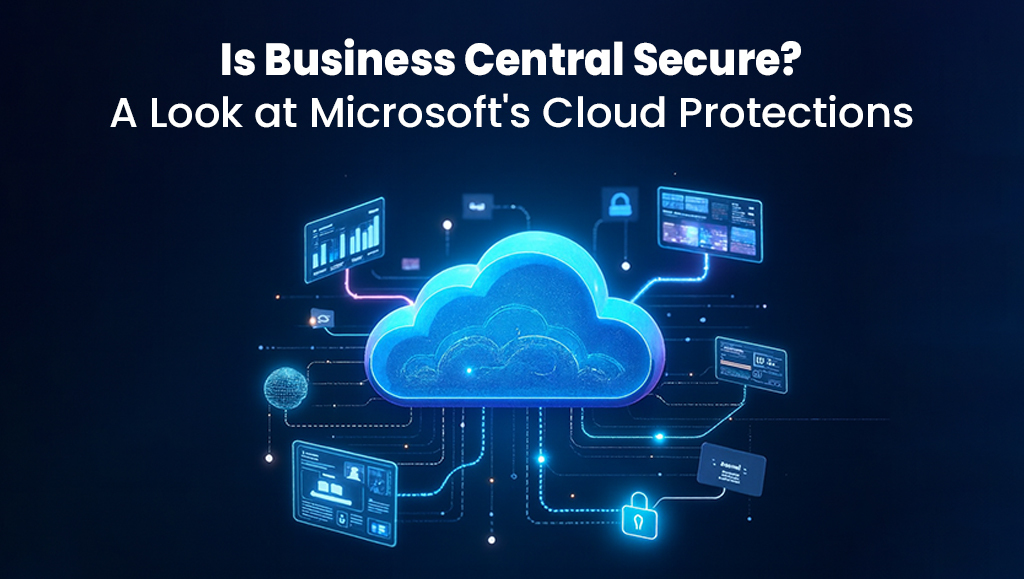
Modern businesses depend on secure, reliable cloud systems to manage financials, operations, supply chain, sales and reporting. With data breaches increasing worldwide, many mid to large-sized companies ask a critical question before adopting an ERP solution: Is business central secure?
The short answer is yes. Microsoft Dynamics 365 business central is built on one of the world’s most robust cloud security architectures. But understanding how it protects your data and business processes is essential before choosing or optimizing the platform.
This guide by SoftArt provides a clear, detailed look at the security features, compliance framework, risk defenses and real-world protections that business central offers. By the end, you will know exactly how secure the platform is and how your teams can get the most out of it with the right implementation approach.
Why Business Central Security Matters More Than Ever?
As businesses scale, security challenges grow too. Teams relying on outdated ERPs or disconnected legacy systems often face:
- Vulnerabilities that cyber attackers can exploit,
- Failure to comply with data security regulations,
- Manual processes with no access controls,
- High chances of data loss, corruption or unauthorized access,
- Limited visibility into security logs and user activities,
- Increased risk of implementation failure or security misconfiguration.
Cloud ERP systems offer efficiency and scale, but leaders must ensure that the platform’s security architecture can protect sensitive financial and operational data.
Business central is designed to do exactly that, combining Microsoft’s global cloud infrastructure with enterprise-grade protections.
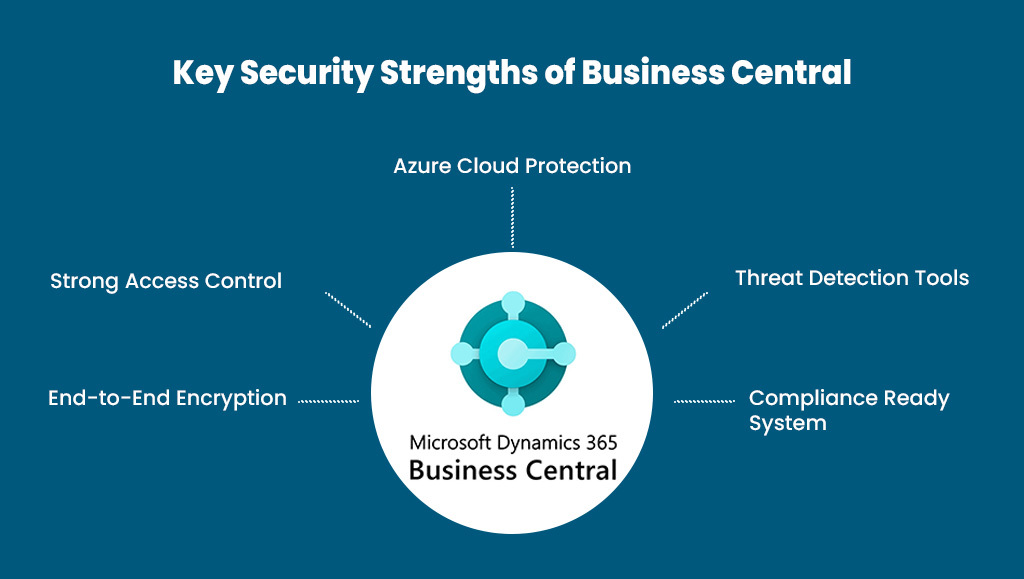
How Secure Is Microsoft Dynamics 365 business central?
To evaluate how secure is microsoft dynamics 365 business central? We break it down into seven layers of protection. Each layer plays a direct role in safeguarding user data, preventing unauthorized access and ensuring compliance.
1. Enterprise-Grade Cloud Infrastructure Security
Business central is hosted on Microsoft Azure, a globally recognized cloud platform trusted by banks, government agencies, manufacturers and Fortune 500 companies.
Here’s what that means for your security posture:
Physical Data Center Protections
Azure data centers include:
- 24×7 surveillance,
- Biometric access,
- Multi-layered physical barriers,
- Strict visitor policies,
- Hardware encryption.
This ensures no unauthorized individual can physically access your servers.
Global Redundancy and Backups:
Azure maintains:
- Data replication across multiple regions,
- Automated backups,
- Disaster recovery plans,
- High availability architecture.
Your ERP stays operational even in case of natural disasters, outages or hardware failures.
2. Identity and Access Management
One of the biggest threats to ERP systems isn’t hackers, but internal misuse or weak access controls.
business central secures your system through:
Azure Active Directory (AAD):
Your team accesses business central using:
- Single Sign-On.
- Multi-factor authentication.
- Role-based access.
- Password policies.
This ensures only authorized individuals access sensitive modules like finance, HR and purchasing.
Role-based Permissions:
You can assign precise roles with limited access such as:
- Accountant.
- Sales Manager.
- Purchase Processor.
- Warehouse Worker.
Users only see and do what their role requires, reducing risk and improving compliance.
Conditional Access Policies:
You can set rules like:
- Block login from unapproved countries.
- Allow ERP access only via corporate networks.
- Require MFA for high-risk users.
This stops unauthorized or suspicious access attempts instantly.
3. Data Encryption at Every Stage
Business central uses strong encryption to secure data both at rest and in motion.
In Transit:
Data sent between apps, browsers or devices is protected using TLS 1.2+ encryption, preventing interception or tampering.
At Rest:
Stored data is encrypted using:
- AES 256-bit encryption.
- Hardware Security Modules (HSMs).
- Controlled encryption keys.
This ensures even if storage is compromised, your data remains unreadable.
4. Application-Level Security Controls
Beyond infrastructure, Microsoft implements robust security measures within the business central application itself.
Field-Level Security:
Admins decide who can view or edit specific fields, such as:
- Bank account numbers.
- Salary fields.
- Vendor payment terms.
This reduces internal fraud risks.
Change Logging:
Business central tracks:
- Who made changes.
- What was changed?
- When the change occurred.
This helps with audits, accountability and detecting suspicious activity.
Session Management:
Inactive sessions are automatically signed out to prevent unauthorized access from idle devices.
API Security:
All integrations must authenticate with secure tokens, limiting exposure to external systems.
5. Network Security and Threat Protection
Microsoft invests billions annually into cybersecurity infrastructure.
Some key threat-protection mechanisms include:
Microsoft Defender for Cloud:
Monitors:
- Malware.
- Suspicious activities.
- Connection anomalies.
- Unauthorized API access.
- Real-time security alerts.
Your system benefits from a constantly evolving security engine powered by AI and global threat intelligence.
DDoS Attack Protection
Azure absorbs Distributed Denial of Service attacks before they reach your ERP.
Firewalls and Virtual Networks
Admins can configure:
- IP restrictions.
- Network access controls.
- Virtual private networks.
- Firewalls.
- Endpoint protection.
This significantly reduces external attack surfaces.
6. Compliance, Certifications and Regulatory Standards
Business central aligns with international data security and privacy laws.
Microsoft maintains certifications such as:
- GDPR.
- SOC 1 and SOC 2.
- ISO 27001, 27017, 27018.
- HIPAA.
- PCI DSS.
- FedRAMP.
These certifications ensure your ERP maintains compliance across industries like finance, healthcare and retail.
Data Residency Controls:
You choose where your data is stored based on region-specific compliance requirements.
7. Automated Updates and No Manual Patching Required
Traditional ERPs fail because updates are manual, slow and expensive. Business central eliminates this risk.
Automatic Security Patches:
Microsoft pushes:
- Security updates.
- Bug fixes.
- New features.
- Performance improvements.
Your system is always up to date, reducing vulnerabilities.
Zero Downtime Updates:
All updates occur behind the scenes, so your teams continue working without disruption.
How does the Business Central Protects Against the Most Common Security Risks?
Below is a quick summary of threats and how business central defends against them.
| Common Threat | Business Central Defense |
|---|---|
| Unauthorized access | MFA, role-based access, conditional access |
| Data breach | Encryption at rest and in transit |
| Internal misuse | Field-level security, audit trails |
| Phishing or credential theft | SSO, identity protection |
| Ransomware | Backups, cloud isolation, threat detection |
| API exploitation | Token-based API security |
| System downtime | Global redundancy, disaster recovery |
Practical Tips to Maximize Your Business Central Security
Here are actionable suggestions to keep your environment secure:
Do This:
- Audit user roles every 90 days.
- Set strong password policies.
- Enable audit logs for sensitive areas.
- Use Azure Information Protection for documents.
- Train employees to spot phishing attempts.
Avoid This:
- Sharing credentials among team members.
- Giving admin access to too many users.
- Leaving unused user accounts active.
- Integrating third-party apps without validation.
- Disabling security notifications.
Security ROI: Why Business Central Saves Time and Cost
Investing in a secure ERP does more than protect data. It reduces long-term operational risk and IT overhead.
Key ROI Benefits
- Lower IT maintenance costs.
- Fewer security incidents.
- Reduced audit effort and compliance burden.
- Faster access provisioning for new employees.
- Automated workflows that reduce manual errors.
- Consistent backup and disaster recovery capabilities.
Time Savings:
| Area | Traditional ERP | Business Central |
|---|---|---|
| Updates | Hours or days | Automatic |
| User management | Manual | Centralized in Azure AD |
| Backups | Manual or semi-manual | Automated |
| Security patching | Scheduled downtime | Zero downtime |
Real-World Example: How Companies Benefit from Business Central Security
A multi-location wholesale distributor migrated from an outdated on-premise ERP to business central. Their legacy system lacked proper access controls, exposing financial data to internal misuse.
After migrating:
- MFA cut unauthorized login attempts by 80 percent.
- Role-based access eliminated accidental posting errors.
- Automated backups protected financial data during a cyber incident.
- Security logs helped trace improper actions from a terminated employee.
This shows how business central’s layered security architecture helps companies run confidently and securely.
Choosing the Right Implementation Partner Enhances Security
Even the most secure ERP system can become vulnerable if misconfigured. A skilled implementation microsoft dynamics 365 business central partner UAE ensures:
- Correct role and permission setup.
- Secure workflows.
- Safe integrations.
- Compliance-driven configuration.
- Data migration with no exposure.
- Continuous monitoring and optimization.
This is where working with a trusted microsoft dynamics 365 business central partner UAE creates long-term value. SoftArt specializes in secure ERP implementation practices that help businesses fully leverage Microsoft’s built-in security while avoiding misconfigurations and risks.
Call Now to Explore How SoftArt Can Help!
Business Central is one of the most secure mid-market ERP systems available today. Its multi-layered protections, extensive compliance certifications, and Azure-powered cloud infrastructure make it highly reliable for organizations handling sensitive financial and operational data. When paired with proper configuration, ongoing monitoring, and expert guidance, it delivers unmatched security, reliability, and peace of mind.
If you want to unlock the full potential of business central with secure, optimized implementation and expert Dynamics 365 business central consulting services USA, now is the perfect time to take the next step.
Ready to simplify your ERP journey and maximize ROI? Schedule a free consultation with SoftArt Solutions Inc at +1 609-303-3003 (USA) or +971 521490790 (UAE).
Frequently Asked Questions:
1. Is Microsoft Dynamics 365 business central a secure platform for storing business data?
Ans. Definitely business central is a secure platform. It is hosted on Microsoft Azure and therefore it employs robust encryption, multi-factor authentication as well as global threat protection so as to ensure that business data is kept safe.
- What measures are in place to business central to keep access restricted?
Ans. Security within Access Control in business central is achieved through the use of provable methods such as Azure Active Directory, multi-factor authentication and access to information based on roles which permit only qualified personnel to view and manipulate data.
- Are backups for business central made automatically?
Ans. Sure. Microsoft commits to provide automatic backups, data replication, and disaster recovery service options via its different data centers around the world to assure that your ERP data is always in a safe place.
- What is the need for having a business central consulting partner?
Ans. Through a consulting partner, you can be sure that your system is installed in a secure manner ensuring that roles and permissions are rightly set, your integrations are secure and that constant monitoring is properly managed. In case you require assistance, it will be beneficial to you if you select the best support service for Dynamics 365 business central in the USA or a credible Microsoft Dynamics 365 business central partner in the UAE.