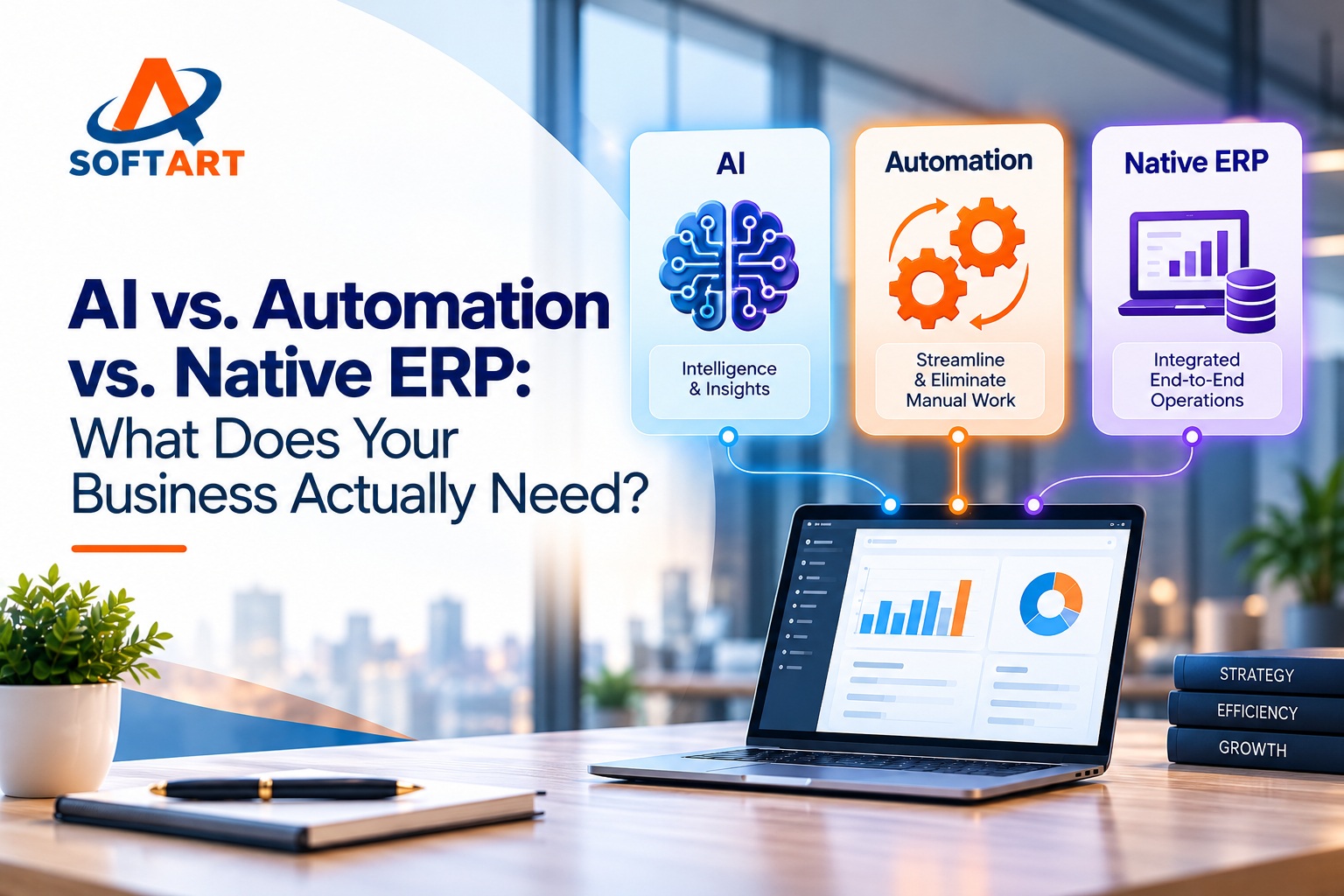
Businesses are under pressure to reduce manual work, improve operational visibility, and make faster decisions. AI tools and automation promise to help, but not every business problem requires artificial intelligence.
Sometimes, the answer is already available in your ERP software. In other cases, ERP workflow automation can eliminate repetitive tasks. AI may be useful when a process requires interpreting documents, identifying patterns, or forecasting demand. Businesses exploring Oracle Cloud ERP consulting firms can also benefit from assessing their existing ERP capabilities before investing in additional AI tools or automation.
Understanding the difference between AI vs. automation and native ERP functionality helps you invest in the right solution instead of adding unnecessary complexity.
1. What Is Native ERP Functionality?
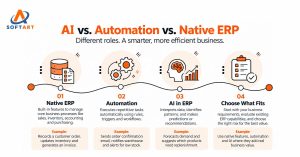
Native ERP functionality refers to features built into your ERP software to manage core business processes, including sales, accounting, inventory, purchasing, and customer records.
Example: When a customer places an order, the ERP records the transaction, applies configured business rules, updates the order status, and supports invoicing through its standard workflow.
The exact process depends on the ERP platform and its configuration.
When to use it: Start with native functionality when your ERP already supports the process. Using existing features can be simpler to maintain than introducing another application or custom integration.
2. What Is ERP Automation?
ERP automation uses predefined rules, triggers, and workflows to perform repetitive tasks with less manual intervention.
Example: When a sales order is confirmed, an automated workflow sends a confirmation email, notifies the warehouse, and alerts the purchasing team when inventory falls below a defined threshold.
Automation follows instructions established in advance: if this happens, do that.
When to use it: ERP workflow automation is well suited to recurring tasks such as approval routing, notifications, data transfers, duplicate checks, and scheduled reports.
However, rule-based automation can struggle with unfamiliar situations unless exception handling has been designed into the workflow.
3. What Is AI in ERP Systems?
AI in ERP systems can help interpret unstructured information, identify patterns, generate content, and make predictions or recommendations using suitable data.
Unlike a basic rule-based workflow, AI can support tasks where inputs vary or where a fixed set of instructions may not be sufficient.
Example: AI analyses historical sales, seasonal trends, and current inventory to forecast demand and recommend which products may need replenishment.
It can also extract information from emailed purchase orders or help managers ask operational questions in plain language.
When to use it: Consider AI when a process involves document interpretation, inconsistent descriptions, forecasting, anomaly detection, or recommendations that are difficult to define through fixed rules alone.
AI is not automatically accurate. Its output needs appropriate data, validation, access controls, and human review where business risks require it.
4. How Do Native ERP, Automation, and AI Work Together?
Imagine a distributor receiving hundreds of customer purchase orders every week. Different technologies can support different stages of the same process.
| Process stage | Technology | What it does |
| Record the order | Native ERP | Maintains customer, product, pricing, inventory, and transaction records |
| Read the purchase order | AI | Extracts order details from an email or PDF and suggests customer and product matches |
| Validate the details | Automation and business rules | Checks duplicates, contract pricing, required fields, and configured conditions |
| Resolve exceptions | Human review | Handles uncertain matches, pricing conflicts, and policy violations |
| Complete the transaction | ERP and automation | Creates or updates the approved transaction and verifies the result |
The goal is to assign each task to the right technology—not to introduce AI at every step.
For example, AI may identify a product from an unfamiliar description, but the ERP should remain the authoritative source for approved product records and pricing. Business rules should determine whether a transaction meets the company’s requirements.
5. AI vs. Traditional Automation vs. Native ERP: Key Differences
| Consideration | Native ERP | Automation | AI |
| Primary purpose | Manage business operations | Execute repeatable tasks | Interpret, analyse, predict, or generate |
| How it works | Built-in features and configured workflows | Predefined rules and triggers | Models process inputs and identify patterns |
| Example | Maintain an invoice record | Send an invoice email automatically | Flag an unusual invoice for review |
| Best suited for | Structured transactions | Predictable processes | Ambiguous or data-intensive tasks |
| Main consideration | Functional fit and configuration | Rule coverage and exception handling | Data quality, validation, governance, and cost |
These categories can overlap. Many ERP platforms offer built-in workflows and AI capabilities, while integrations can extend their functionality.
A standard report is not necessarily AI, and a rule-based alert does not become AI simply because it runs on an AI-enabled platform.
6. What Does This Mean for Odoo, NetSuite, Oracle, and Microsoft Dynamics 365?
The same decision-making approach applies across ERP platforms.
- Odoo: Evaluate the relevant sales, inventory, accounting, and purchasing features first. Configure workflows or integrate additional capabilities where standard functionality does not meet your requirements.
- Oracle NetSuite: Assess existing functionality, saved searches, workflows, SuiteScript, and integrations before introducing additional tools or AI capabilities.
- Oracle ERP: Review existing processes, available automation, reporting, and integration requirements before investing in new technology.
- Microsoft Dynamics 365: Evaluate standard application features, workflow capabilities, and supported integrations before deciding whether AI or custom development is justified.
Available features depend on the specific product, edition, configuration, and licensing. A capability demonstrated in one environment may require additional setup or integration in another.
Whether you are evaluating Odoo ERP implementation, NetSuite optimization, Oracle ERP integration, or Microsoft Dynamics 365 services, begin with your business requirements—not the number of AI features shown in a product demo.
7. How to Decide What Your Business Actually Needs
Before approving an AI or automation project, ask five questions:
- Does our ERP already support this process? Review standard features and configuration options first.
- Can the task be described using clear rules? If yes, traditional automation may be sufficient.
- Does the task require interpretation or prediction? If yes, AI may add value.
- What happens when something goes wrong? Define exception handling, approvals, audit trails, and ownership before deployment.
- What is the total cost of ownership? Include implementation, integration, licensing, AI usage, maintenance, and ongoing support.
A practical starting point is an ERP workflow assessment. Document the current process, identify where time and errors occur, establish a performance baseline, and compare the available solutions.
Conclusion: Solve the Business Problem Before Choosing the Technology
Native ERP functionality provides the foundation for managing business operations. Automation makes predictable workflows more consistent. AI adds capabilities for interpretation, pattern recognition, forecasting, and recommendations.
Your business may need one, two, or all three. The right choice depends on the process, available data, risk, cost, and outcomes you want to achieve.
SoftArt Solutions helps businesses evaluate, implement, integrate, and optimize ERP platforms, including Odoo, Oracle NetSuite, Oracle ERP, and Microsoft Dynamics 365.
Not sure whether you need AI, ERP automation, or better use of your existing ERP? Schedule a call with our experts to discuss your current workflows and identify practical opportunities to reduce manual work, improve visibility, and control implementation costs.
Reach us at info@softart.co or call us on +1 609-303-3003
Frequently Asked Questions
1. What is the difference between AI and ERP automation?
ERP automation follows predefined rules, while AI interprets data, identifies patterns, and makes predictions or recommendations.
2. Does my business need AI if I already have an ERP?
Not always. Your existing ERP may meet your needs through native features and automation. AI is useful when additional analysis or prediction is required.
3. Can AI and ERP automation work together?
Yes. AI can analyze documents or forecast demand, while automation executes workflows based on rules and validated results.
4. Which ERP systems support AI and automation?
Odoo, NetSuite, Oracle ERP, and Microsoft Dynamics 365 offer various automation and AI capabilities, depending on the product, configuration, and licensing.