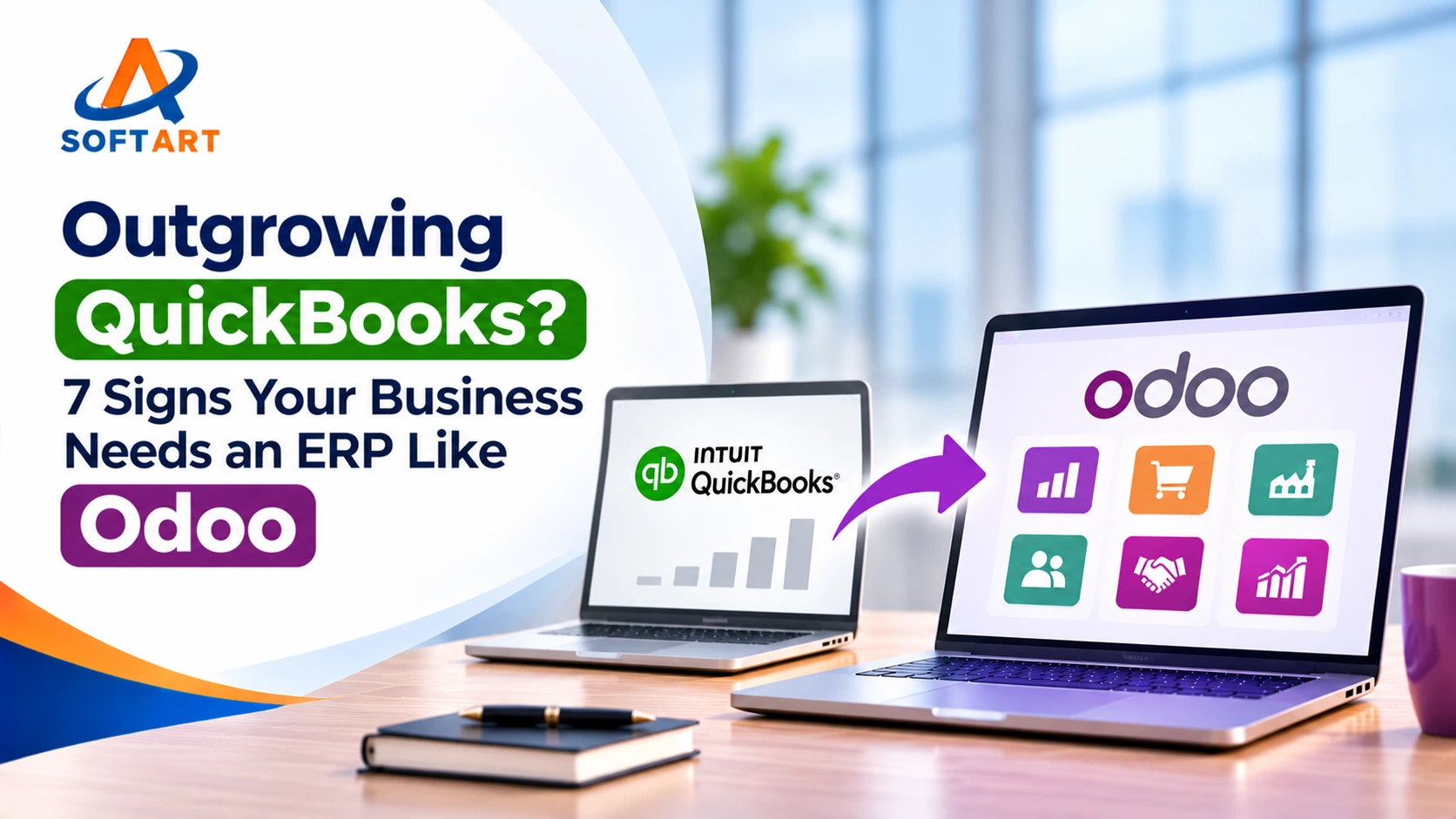
QuickBooks is a good starting point for many small businesses. It helps manage accounting, invoices, expenses and everyday financial activities without requiring a complex business system. But what happens when the business grows?
A small distributor may start managing multiple warehouses. A manufacturer may need to track raw materials and production schedules. A retailer may begin selling through physical stores and an ecommerce website. Suddenly, accounting is only one part of what the business needs to manage.
This is where companies start looking beyond QuickBooks.
The decision is not simply about how much revenue a business generates or how many employees it has. It is about how complex its operations have become and whether its current software can support them. For some businesses, QuickBooks remains the right choice. For others, an Odoo ERP system can bring accounting, sales, purchasing, inventory and manufacturing together in one platform.
Let’s look at what changes, which businesses benefit and the signs that it may be time to evaluate Odoo ERP software.
Small Business vs. Growing Business vs. Large Enterprise: When Does the Need for ERP Change?
A business does not necessarily need an ERP just because it is growing. The need usually becomes clearer when more departments, locations, products and processes have to work together.
| Business stage | Typical business requirements | What the software needs to handle |
|---|---|---|
| Small business | One location, limited employees, straightforward accounting and sales | Invoicing, expenses, bills, basic inventory and financial reporting |
| Growing / mid-sized business | More customers, employees, products, warehouses and sales channels | Connected accounting, inventory, purchasing, CRM, order management and reporting |
| Large / enterprise business | Multiple entities, complex supply chains, international operations and advanced controls | Consolidated reporting, multi-company operations, integrations, manufacturing, compliance and enterprise-wide processes |
For a small business: QuickBooks may be sufficient when accounting is the main requirement and operations are relatively simple.
For a growing or mid-sized business: The need for an ERP becomes more apparent when teams are using separate applications for sales, inventory, purchasing and finance. Odoo can be a practical option because businesses can select the applications they need and connect their workflows.
For a large enterprise: The decision requires a broader evaluation. Odoo may suit some organisations, but businesses with complex financial consolidation, global operations, extensive compliance requirements or highly specialised processes may also need to evaluate platforms such as Oracle NetSuite or Microsoft Dynamics 365.
The important point is to select software based on operational requirements, not company size alone.
7 Signs Your Business May Have Outgrown QuickBooks
The following table summarises seven common situations that indicate a business should evaluate whether it needs a broader ERP system.
| Sign | What happens in the business | What an ERP like Odoo can change |
|---|---|---|
| 1. Too many disconnected applications | Accounting, sales, purchasing and inventory operate separately | Connect these functions through integrated applications |
| 2. Inventory is difficult to manage | Stock records, warehouse information and accounting figures need frequent checking | Provide connected stock movements, warehouse locations and replenishment workflows |
| 3. Manual data entry is increasing | Employees enter the same customer, order or product information in multiple systems | Reduce repeated entries through connected business workflows |
| 4. Purchasing and sales are difficult to coordinate | Teams struggle to match customer demand with supplier orders and available stock | Link sales orders, procurement, receipts and deliveries |
| 5. Manufacturing is becoming more complex | Raw materials, production orders and finished goods are tracked separately | Connect Bills of Materials, manufacturing orders and inventory |
| 6. Reporting takes too long | Finance collects data from different departments before preparing reports | Bring operational transactions and financial information into a connected system |
| 7. Expansion is creating more complexity | New warehouses, branches, sales channels or business entities need separate tracking | Support multi-warehouse, multi-company and connected operational workflows, where configured |
One or two of these challenges may be manageable with your existing software or an additional integration. But when several occur together, it is worth reviewing the overall system architecture.
SoftArt has also covered the broader migration decision in When Should Your Business Migrate to Odoo ERP? 7 Signs You’re Ready.
QuickBooks vs. Odoo: What Actually Changes When You Move to an ERP?
QuickBooks and Odoo are not exactly the same type of software.
QuickBooks primarily focuses on accounting and financial management. Odoo is a business management platform with applications for accounting, sales, CRM, inventory, purchasing, manufacturing, ecommerce and other functions.
Here is what the difference can look like in everyday business operations.
| Business activity | QuickBooks | What changes with Odoo |
|---|---|---|
| Accounting | Manages invoices, bills, expenses, payments and financial records | Accounting connects with sales, purchasing, inventory and other business applications |
| Inventory | Tracks stock quantities and inventory costs in eligible plans | Supports broader inventory and warehouse workflows, including stock movements and replenishment |
| Sales orders | Manages financial and sales-related transactions | Connects quotations, sales orders, delivery operations and invoicing |
| Purchasing | Supports purchase orders and vendor-related records | Connects purchasing with inventory and replenishment requirements |
| Manufacturing | Requires a separate manufacturing system for more advanced production management | Provides Manufacturing, Bills of Materials and work order capabilities |
| CRM | May require connected CRM applications | Includes a CRM application connected with sales activities |
| Ecommerce | Can connect with ecommerce platforms through integrations | Provides an ecommerce application connected with other business functions |
| Reporting | Provides accounting and financial reports | Can bring financial and operational information together |
| Business applications | Often relies on separate tools as requirements expand | Offers multiple applications within the same platform |
An important distinction: QuickBooks Online Plus and Advanced already include inventory tracking, purchase orders and related inventory reporting. So moving to Odoo is not simply about getting inventory functionality. It is about managing more complex workflows and connecting inventory with other business operations.
Odoo’s wider application range can reduce the need to move information between separate systems. However, the applications, configuration, integrations and customisations required depend on the business.
How Does Odoo ERP Work Across Different Industries?
The reason for moving to an ERP is different for every industry. A manufacturer has different requirements from a retailer or professional services company.
Here are some practical examples of where Odoo ERP applications can make a difference.
| Industry | Common business challenge | Odoo applications to evaluate | What the business gains |
|---|---|---|---|
| Manufacturing | Difficulty tracking raw materials, production orders and finished goods | Manufacturing, Inventory, Purchase, Quality | Better coordination of production and materials |
| Wholesale distribution | Stock visibility, supplier orders and customer fulfilment are difficult to coordinate | Inventory, Sales, Purchase, Accounting | Connected stock, order and purchasing workflows |
| Retail | Store sales, stock and financial records are maintained separately | POS, Inventory, Accounting | Better visibility across store transactions and inventory |
| Ecommerce | Online orders, stock availability and accounting require separate updates | Ecommerce, Sales, Inventory, Accounting | Connected online orders and stock information |
| Food and beverage | Ingredient tracking, production processes and traceability requirements | Manufacturing, Inventory, Quality | Better control over materials and production records |
| Professional services | Project costs, employee time and customer billing are difficult to track together | Project, Timesheets, Invoicing, Accounting | Better visibility into project costs and billing |
Example: Manufacturing business
A growing manufacturer may initially use accounting software for purchases and expenses while production teams manage materials and work orders through spreadsheets.
As production increases, it becomes harder to understand whether the required materials are available, which orders are in progress and what has been completed.
With Odoo, the Manufacturing application can connect with Inventory and Purchase. Teams can manage Bills of Materials, manufacturing orders and material requirements within a connected workflow.
Example: Wholesale distribution business
A distributor managing several warehouses needs to know what stock is available, what has been ordered from suppliers and which customer orders are waiting for fulfilment.
Odoo can connect Sales, Inventory and Purchase so that teams have better visibility into orders and stock movements.
Example: Retail and ecommerce business
A retailer selling through physical stores and an online store needs to keep sales and inventory information aligned.
Odoo offers Point of Sale and Ecommerce applications that can connect with Inventory and Accounting. This can help reduce the need to maintain separate records for every sales channel.
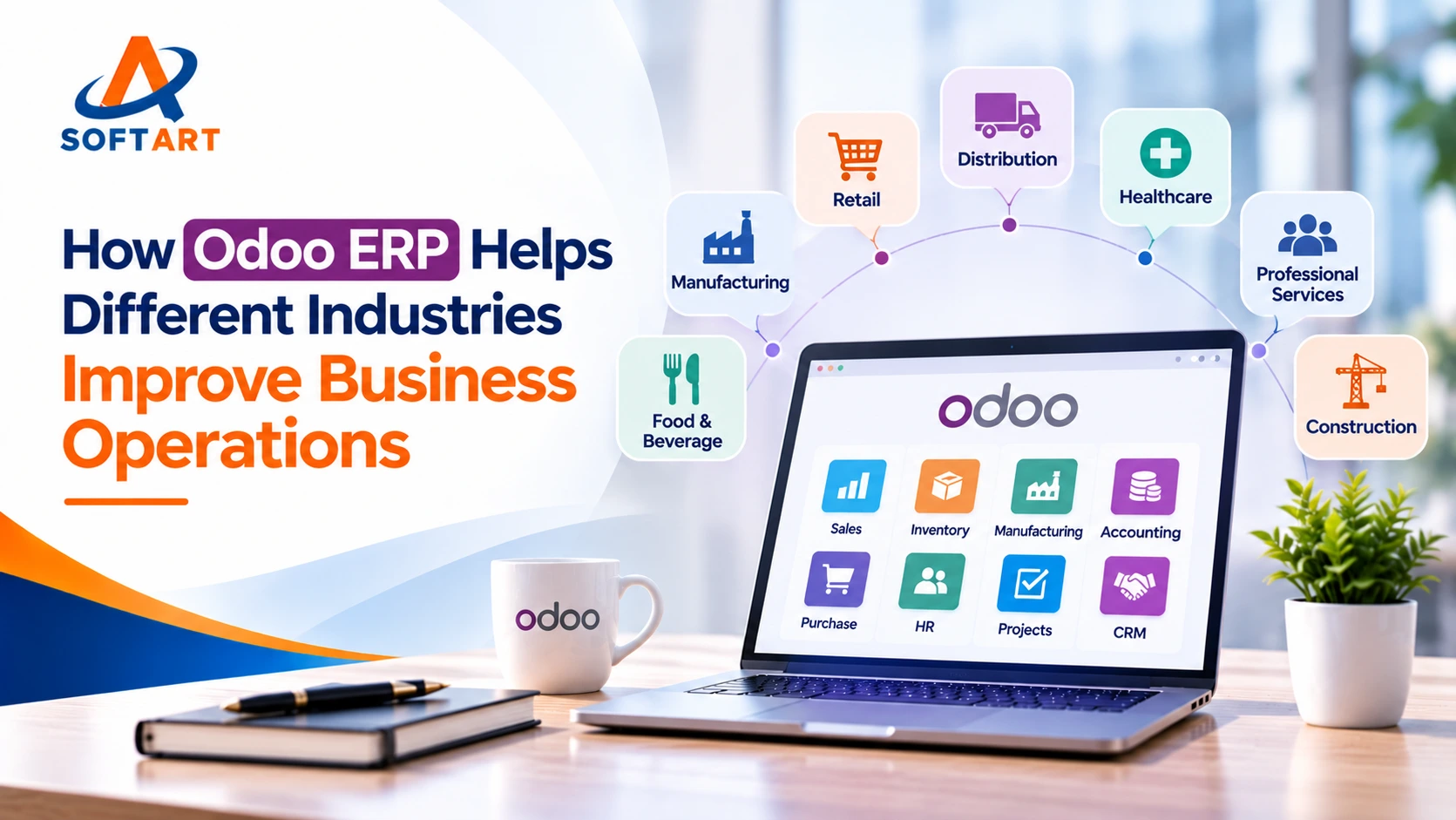
For more industry-specific examples, read How Odoo ERP Helps Different Industries Improve Business Operations.

Does Every Growing Business Need to Move to Odoo?
No. Moving to an ERP is a significant decision, and not every business needs to make that change immediately.
The right choice depends on the number of processes involved, the complexity of operations and the level of integration required.
| Business situation | What to consider |
|---|---|
| Small business with straightforward accounting | Continue with QuickBooks if it meets your requirements |
| Growing business with a few additional software needs | Review whether integrations or a QuickBooks plan upgrade can solve the problem |
| Mid-sized business with disconnected departments | Evaluate Odoo or another ERP to connect core operations |
| Manufacturer or distributor with complex workflows | Compare Odoo’s operational capabilities against your requirements |
| Large business with complex multi-company or global operations | Evaluate Odoo alongside NetSuite and Microsoft Dynamics 365 |
There is also a difference between needing more features and needing a different system.
For example, if your only problem is that you need additional accounting users or more advanced financial reporting, upgrading QuickBooks may be enough.
But if finance, sales, inventory and purchasing are all working from different systems, adding another application may create even more integration work.
That is when evaluating a connected ERP becomes important.
What Should You Plan Before Moving from QuickBooks to Odoo?
Once you decide that an ERP is worth evaluating, the next step is to plan the transition. A migration involves more than transferring accounting records. You also need to decide how business processes will work in the new system.
1. Review your current software and processes: Identify the applications used by finance, sales, purchasing, inventory and other departments. Document where information is duplicated or transferred manually.
2. Identify the Odoo applications you need: You may not need every Odoo application from the beginning. Select modules based on actual business requirements.
3. Review and clean your data: Check customer records, vendor information, products, account codes, opening balances and outstanding transactions before migration.
4. Plan Odoo data migration: Decide which information needs to move from QuickBooks and any other connected applications. This may include financial records, customer details, vendor information, products and inventory data. The scope of Odoo data migration depends on the quality and structure of your existing records, as well as the history your business needs to retain.
5. Configure and test workflows: Test important business processes, including sales orders, purchasing, stock movements, invoicing and reporting. Also identify any Odoo integration services required to connect external applications or existing systems.
6. Train employees before go-live: Make sure employees understand how their daily work will change. Finance, warehouse, sales and purchasing teams may all use different parts of the system.
7. Plan post-implementation support: After go-live, monitor the system, resolve issues and make improvements as employees begin using the new workflows.
If you are considering this transition, explore our Odoo ERP implementation services. You can also review Odoo Success Packs for details about structured implementation engagements.
Final Thoughts: Move Beyond Accounting When Your Business Needs More
QuickBooks can remain a good accounting solution for businesses with straightforward requirements. But when sales, inventory, purchasing, manufacturing and finance become increasingly connected, managing everything through separate applications can become difficult.
An ERP like Odoo gives businesses the option to bring these activities together through connected applications. The important thing is to understand what your business actually needs before choosing a new system.
SoftArt Solutions helps businesses evaluate, implement, migrate and support ERP systems, including Odoo, Oracle NetSuite and Microsoft Dynamics 365. If you are comparing Odoo ERP software or planning an implementation, the first step is to review your existing processes, data, integrations and business requirements.
Thinking about moving from QuickBooks to Odoo? Talk to SoftArt Solutions about your current systems, business processes and ERP requirements.
Frequently Asked Questions
1. When should a small business move from QuickBooks to an ERP?
A small business should consider an ERP when accounting software is no longer enough to manage its operational requirements. This may happen when it starts managing complex inventory, manufacturing, multiple warehouses or disconnected sales and purchasing processes.
2. Is Odoo suitable for mid-sized businesses?
Yes. Odoo offers applications for accounting, CRM, sales, purchasing, inventory, manufacturing and other business functions. It can be configured around the requirements of a growing or mid-sized business. The suitability depends on process complexity, integrations, reporting and implementation scope.
3. Can Odoo replace QuickBooks?
Yes. Odoo includes an Accounting application and can manage financial activities alongside other business operations. However, the accounting configuration, tax requirements, integrations and migration scope should be reviewed before making the switch.
4. Is QuickBooks enough for inventory management?
QuickBooks Online Plus and Advanced include inventory tracking, purchase orders and inventory reports. These features may be enough for businesses with straightforward stock requirements. Businesses with more complex warehouse, manufacturing or replenishment workflows may need a broader system.
5. Is Odoo suitable for large enterprises?
Odoo can support a range of business sizes, but large enterprises should evaluate their requirements carefully. Complex financial consolidation, international operations, regulatory requirements and specialised workflows may make it necessary to compare Odoo with platforms such as Oracle NetSuite and Microsoft Dynamics 365.
6. How difficult is it to migrate from QuickBooks to Odoo?
The complexity depends on data quality, transaction history, number of integrations, business processes and the Odoo applications being implemented. A migration assessment and testing plan help reduce disruption.