Finance runs on one tool. Inventory lives in another. Sales data sits in a spreadsheet that nobody fully trusts. When a customer places an order, three people update three different systems, and the numbers still don’t match at month-end.
That’s not a people problem. It’s a systems problem.
The benefits of Odoo ERP come down to one core shift: instead of running separate tools for each department, every function operates inside one connected platform. A confirmed sales order updates inventory automatically. The invoice generates without manual input. Finance sees the impact in real time.
SoftArt Solutions Inc. is a certified Odoo implementation partner helping USA businesses configure and deploy Odoo ERP correctly from day one, not just install it and leave.
Read on to understand what Odoo ERP actually delivers, what it costs, and why the right implementation partner determines whether those benefits show up in your business or stay on a feature list.
What Makes Odoo ERP Different From Other Business Software?
Odoo ERP isn’t a standalone tool. It’s a connected platform where data moves automatically between modules without anyone manually transferring it.
Most businesses run five to eight separate applications: accounting, CRM, warehouse, HR, and project management. Each holds its own data. None of them talk to each other without custom integrations or manual exports. That’s where the errors, delays, and mismatched reports come from.
Odoo changes this by running everything through a single database. When one module updates, every connected module reflects it instantly.
What Is Odoo ERP for Business Automation?
Odoo ERP for business automation is ERP software that replaces manual, repetitive business tasks with automated workflows across departments. A sales rep confirms a quote. The system creates the sales order, updates inventory, generates the invoice, and triggers the delivery workflow. Nobody types the same data twice.
Odoo covers 70+ business apps in one platform, including finance, inventory, sales, CRM, HR, manufacturing, ecommerce, and project management. All of them run on the same data. As of Q3 2025, over 115,000 live stores operate on Odoo, a 37% year-over-year increase, according to Gloriumtech’s May 2026 analysis of Odoo platform data.
What Are the Top Benefits of Odoo ERP for Business Operations?
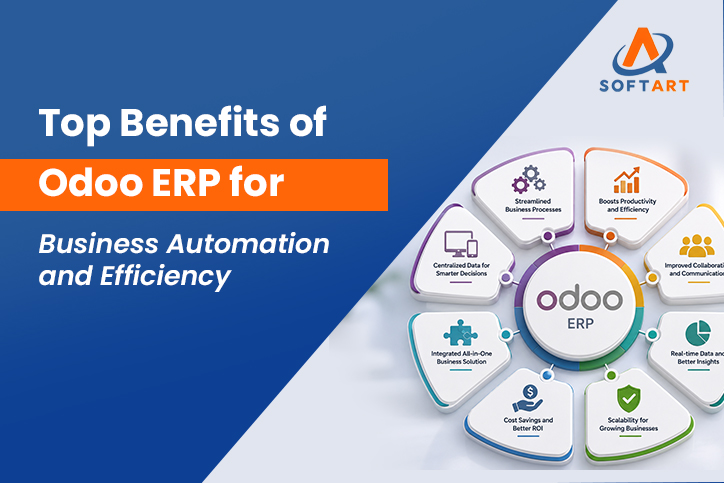
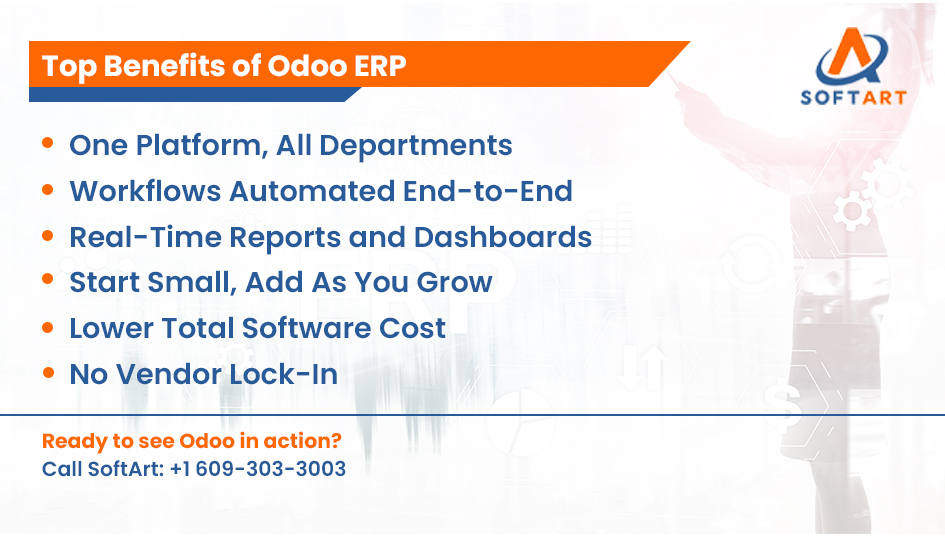
The top benefits of Odoo ERP are connected data across departments, automated workflows, real-time reporting, a modular structure that scales, lower software costs, and an open architecture that doesn’t lock you into a vendor.
Here’s what each one means in practice:
- Single Connected Platform. Every department works inside the same system. Sales, finance, inventory, HR, and operations share one database. Data doesn’t live in silos, and reports don’t need to be manually compiled from five different exports.
- Workflow Automation Across Core Functions. Repetitive tasks stop requiring human input at every step. Approvals route automatically. Invoices generate on confirmation. Stock reorders trigger when levels drop. According to Gloriumtech’s May 2026 review of Odoo case data, businesses can achieve around a 50% reduction in manual planning time through Odoo automation.
- Real-Time Reporting And Dashboards. Managers don’t wait for month-end reports. Current inventory levels, outstanding invoices, sales pipeline status, and production progress are visible at any point during the day. Decisions get made on current data, not last week’s export.
- Modular Structure. Odoo’s modular design means a business starts with the applications it needs today and adds more as operations grow. There’s no need to buy a full enterprise suite upfront. Manufacturing can come later. Ecommerce can come later. The core stays stable.
- Lower Total Software Cost. A mid-sized company previously running separate SaaS subscriptions for accounting, CRM, inventory, and HR could be spending $500 to $2,000 per month across those tools. Consolidated on Odoo, that cost drops significantly. According to Ahex’s May 2026 Odoo TCO analysis, per-user costs can be as low as $25 per user per month depending on edition and user count. Implementation cost is separate and must be factored into the full picture.
- Open Architecture. Odoo’s open-source foundation means businesses own their customisations. There’s no vendor lock-in that makes migration prohibitively expensive. Customisations can be built, extended, and moved without being at the mercy of a proprietary vendor’s roadmap.
How Does Odoo ERP Handle Business Automation in Practice?
Odoo automates workflows by triggering one business action from another across connected modules, removing the need for manual input at each handoff point.
Workflow automation means one event causes the next to happen automatically based on pre-set rules. Here’s what that looks like across three common business functions.
Sales Automation:
- Customer signs a quote online
- Sales order created automatically
- Inventory reserved for the order
- Invoice generated and sent
- Delivery workflow triggered
Inventory Automation:
- Stock drops below the minimum set threshold
- Purchase order generated automatically
- Best vendor selected by price and lead time
- PO sent for internal approval
- Approval triggers vendor notification
Finance Automation: Odoo handles this differently. It runs continuously rather than as a triggered sequence.
- Vendor invoices post to accounting on receipt
- Payment scheduling runs against due dates automatically
- Bank reconciliation matches transactions as they clear
There’s no single trigger event. The module runs in the background and keeps finance current without a team member pushing it forward.
Odoo’s AI and machine learning capabilities, upgraded in 2024 and 2025, now support smarter vendor selection, lead time prediction, and anomaly detection in financial data.
Odoo reported a 40% increase in new implementations in 2025, according to Icon Techsoft’s April 2026 analysis of Odoo growth data. That number reflects how many businesses are moving from manual or semi-automated setups to connected automation.
What Does Odoo ERP Actually Cost for a USA Business?
Odoo license cost is a per-user monthly fee for Odoo Enterprise, the paid edition with full features, hosting options, and access to the certified partner network. The free edition, Odoo Community, is open-source but doesn’t include full support or advanced features.
There are two editions:
- Odoo Community: Free, open-source. Suited to businesses with internal technical capacity and basic requirements.
- Odoo Enterprise: Paid, per-user, per-month. Includes full support, Odoo Studio, hosting options, and access to certified partners for implementation.
Most USA businesses implementing Odoo for the first time choose Enterprise.
How Do Odoo Pricing Plans Compare to Running Multiple SaaS Tools?
Current odoo pricing plans are listed at odoo.com/pricing and vary by region, user count, and billing term. US rates are higher than other markets and update periodically, so always verify directly rather than relying on third-party figures.
The more useful cost comparison isn’t Odoo vs a single tool. It’s Odoo vs the entire stack it replaces.
A business running separate accounting, CRM, inventory, HR, and project management software pays for five subscriptions, five sets of integrations, and five support contracts. Odoo consolidates all of that into one.
Odoo license cost is only part of the total picture. Implementation services, data migration, integrations, user training, and post go-live support all contribute to the full year-one investment. Budget only for licensing and you’ll spend more fixing problems than you would have spent planning properly.
Will Odoo ERP Automation Actually Work for Your Business?
Odoo’s automation capabilities work across most SMB industries, but realising them depends on how the system is configured, not just installed.
This is the question most benefit articles skip. It’s also the most important one.
Odoo isn’t a plug-and-play system. The automation doesn’t run because you switched on Odoo. It runs because someone mapped your workflows, configured the rules correctly, migrated your data cleanly, and tested every handoff before go-live. Skip that work and the automation doesn’t show up. Teams work around the system instead of inside it.
Odoo fits well when:
- Your business has outgrown QuickBooks, Sage, Tally, or spreadsheet-based operations
- You’re running separate tools for accounting, inventory, sales, and HR with no clean integration between them
- You’re in manufacturing, distribution, ecommerce, retail, hospitality, construction, or professional services
- You want full ERP functionality without SAP or Oracle pricing
You should evaluate further before committing when:
- Your finance environment involves complex multi-entity consolidation across multiple legal entities with different currencies
- Your business has deep dependencies on the Microsoft 365 or Azure ecosystem where Dynamics 365 Business Central may integrate more naturally
- You’re at enterprise scale with 500+ users and complex procurement requirements where Oracle has deeper vertical coverage
The right odoo implementation partner runs this assessment before scoping the project. They’ll tell you whether Odoo fits your workflows or whether a different platform serves your requirements better. That conversation should happen before any contract is signed.
How Does SoftArt Help USA Businesses Get the Most From Odoo ERP?
SoftArt Solutions Inc. is a certified Odoo implementation partner that configures Odoo ERP to match real business workflows, not generic defaults. Every SoftArt Odoo engagement follows a documented eight-stage process:
- Discovery and requirements assessment
- Business requirements document
- Scope of work with client sign-off
- System configuration
- Data migration with test run and validation
- User acceptance testing
- Go-live support
- Post go-live stabilisation
Nothing moves to the next stage without sign-off. Nothing goes live without validated data and completed UAT. SoftArt’s odoo consulting services cover:
- ERP fit assessment
- Module selection
- Integration planning
- Data readiness review
- Implementation scoping
All of this happens before any commitment to a full project. For USA businesses already running NetSuite, Oracle, or Microsoft Dynamics, SoftArt’s cross-platform experience means the recommendation is based on your actual requirements, not on whichever platform the firm only knows how to implement.
The team has delivered 100+ ERP implementations across Odoo, Oracle NetSuite, Oracle Cloud ERP, and Microsoft Dynamics 365 with 20+ years of ERP delivery experience.
Book an Odoo Consultation With SoftArt
SoftArt Solutions Inc. works with USA businesses across:
- Manufacturing and distribution
- Ecommerce and retail
- Hospitality and construction
- Professional services
Whether you’re evaluating the benefits of Odoo ERP for the first time, need an honest comparison against NetSuite or Dynamics 365, or want a scoped implementation plan before committing, SoftArt’s consulting team can help.
Book an Odoo consultation with SoftArt.
Email: info@softart.co US: +1 609-303-3003 Canada: +1 609-303-3003 UAE: +971 521490790
Frequently Asked Questions
Which business processes does Odoo ERP automate first?
Most businesses start by automating sales order processing, invoicing, and inventory replenishment. These three areas deliver the most visible reduction in manual work. Finance reconciliation and HR approval workflows are typically added in subsequent phases.
Is Odoo ERP good for small businesses in the USA?
Yes. Odoo’s modular structure means small businesses pay only for the apps they need. They can start with accounting and sales, then add inventory, HR, or manufacturing as the business grows. The open-source Community edition is free for businesses with internal technical capacity.
How long does Odoo ERP implementation take?
Small businesses implementing three to four modules typically go live in six to ten weeks. Mid-market businesses with five to eight modules and integrations typically take three to five months. Timeline depends on data quality, scope, customisation depth, and how quickly the client team can participate in testing.
What is the difference between Odoo Community and Odoo Enterprise?
Odoo Community is free and open-source but has no official support and limited features. Odoo Enterprise is the paid version with full support, Odoo Studio, hosting options, and access to the certified partner network for implementation and ongoing maintenance.
Do I need an Odoo implementation partner or can I set it up myself?
Small businesses with simple requirements and internal technical capacity can attempt Community on their own. For Odoo Enterprise with multiple modules, integrations, and data migration, a certified implementation partner significantly reduces project risk. The configuration work, not the installation, is where most self-implementations run into problems.
How does Odoo ERP compare to NetSuite or QuickBooks?
QuickBooks is an accounting tool, not an ERP. Odoo replaces QuickBooks and the other tools a business runs alongside it. Compared to NetSuite, Odoo has a lower entry cost and faster implementation for SMBs. NetSuite has stronger multi-entity financial management and is better suited for businesses with complex international finance from day one.